Notepad++ for macOS
A native Mac port of the Notepad++ text editor. Same engine, same files — no Wine, no emulation, no Windows code.
◆ Free & open source (GPL) ◆ Apple silicon + Intel ◆ macOS 11+ ◆ Signed & notarized
Install with Homebrew
brew install --cask tanderbold/tap/notepadmac…or download the notarized .dmg from Releases and drag NotepadMac to Applications.
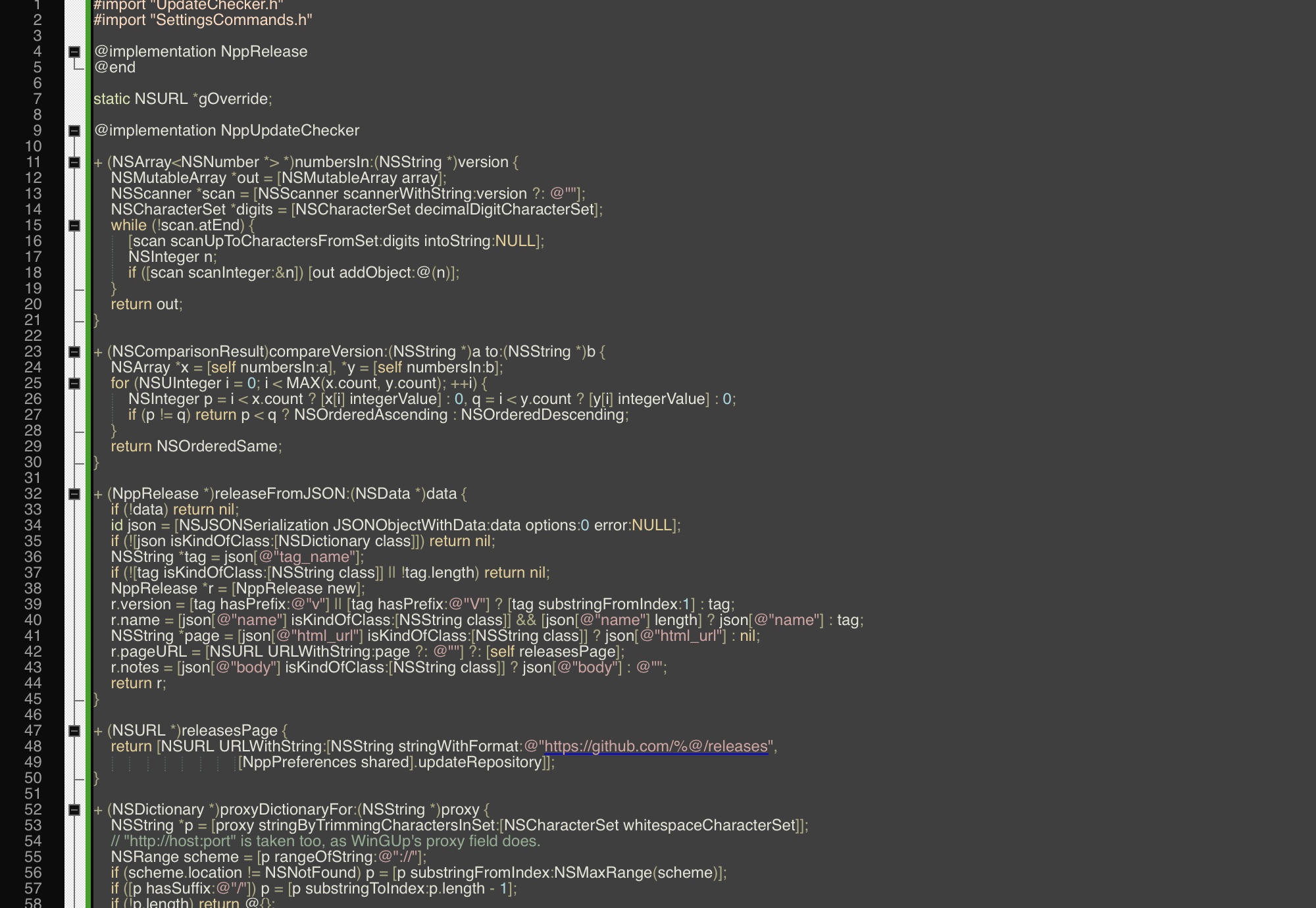
- All 579 Windows menu commandsImplemented against Notepad++'s own sources, behaving the way they do on Windows.
- Same engine and filesScintilla and Lexilla, with Notepad++'s language, style, theme, function-list, shortcut and translation files.
- ~90 languages highlightedSyntax colouring, folding, function list, auto-completion — plus User Defined Languages.
- Search like Notepad++'sBoost-syntax regular expressions, Find in Files, Mark, incremental search, search results window.
- Plugins, built inJSON viewer, Compare, XML tools, FTP client and NppExec-style scripting ship inside the app.
- Extra toolsHashes (bcrypt, scrypt, Argon2, PBKDF2…), Base64/58/32, a password generator, HTTP Request.
- Knows your languageA trained model recognises the language of pasted or extension-less text — no rules, just data.
- Speaks ~90 languagesThe interface follows Notepad++'s own localisations, including the port's additions.
- Markdown previewThe document rendered live in a docked panel — CommonMark with tables.
- Spell check & moreSystem-engine spell checking, RTF/HTML export that keeps the colours, MIME and number conversions.
- Mac-native extrasThe nppmac command line, OCR from the clipboard or a PDF, QR codes both ways.
- Git, built inChanged lines marked in the margin as you type, the branch in the status bar, a panel to stage, unstage, discard and commit, Compare with HEAD, blame, history, branches, fetch, pull and push.
- An MCP server for AI agentsClaude Code and friends see the open documents, unsaved text and selection, and use the editor's lexers, search, Compare and language model as tools. Off until you turn it on.
- Your own pluginsA small C interface, the full Scintilla API — one dylib and your command is in the menu.
Write your own plugins
Plugins load the way they do on Windows — a dynamic library with a
small C interface, the full Scintilla API included. One file, one clang -dynamiclib, and your
command is in the Plugins menu. A complete
plugin in twenty lines · SDK reference.
FAQ Source on GitHub Releases Feature list Issues Discussions